COUNTER SERVICE
Fast counter, short queue.
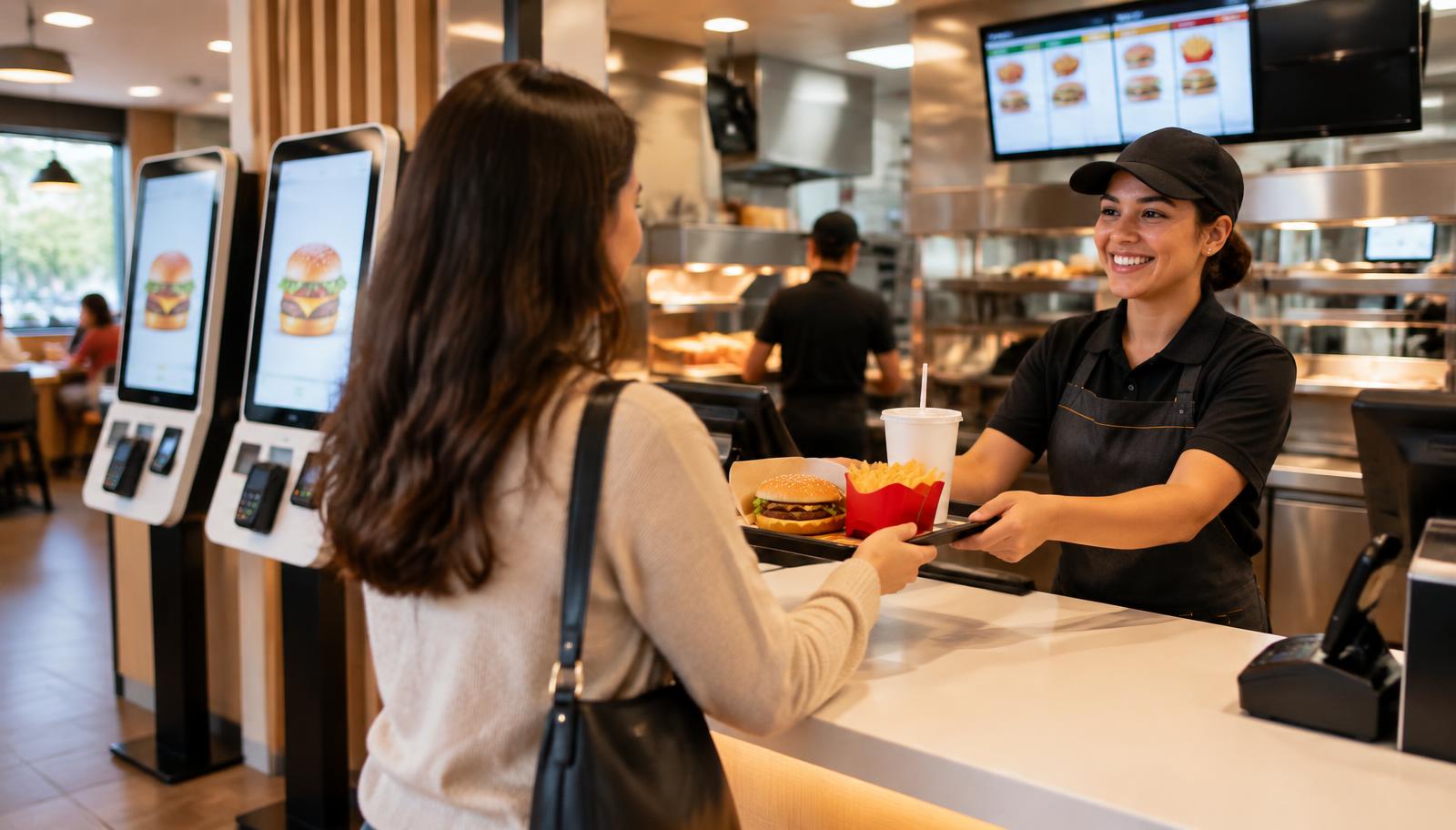
Take orders, meals and modifications with a few taps on the touchscreen POS.
- Fast order entry with meals
- Eat-in and takeaway
- Card and SZÉP card
- NTAK compatible

ONEMIN FOR FAST FOOD
Keep the counter moving at peak time, not the queue growing.
Counter service, kiosk, your own app and Wolt, Foodora orders in one place – with the kitchen display and inventory following automatically.
ONE ORDER. ONE CONNECTED FLOW.
Wherever guests order, OneMin collects every order in one system, the kitchen works from one screen and the counter hands out quickly.
Guests order at the counter, on the kiosk, in your branded app or via Wolt and Foodora.
The order appears instantly on the kitchen display, in sequence, without paper.
When ready, the counter sees it and hands it to the guest or courier.
Ingredients of sold items are automatically deducted from stock.
TOOLS FOR YOUR FAST FOOD RESTAURANT
The restaurant system is the base. Kiosk, app and other tools connect to it – tailored to how you work.
Take orders, meals and modifications with a few taps on the touchscreen POS.
The self-service kiosk takes load off the counter while guests browse the menu calmly.
Guests order and pay ahead in your app, then just pick up – no queueing.
Wolt and Foodora orders arrive in the same place as all others.
Every order shows in sequence on the kitchen display, regardless of channel.
Based on sales the system tracks ingredients so you can reorder in time.
PEAK TIME UNDER CONTROL
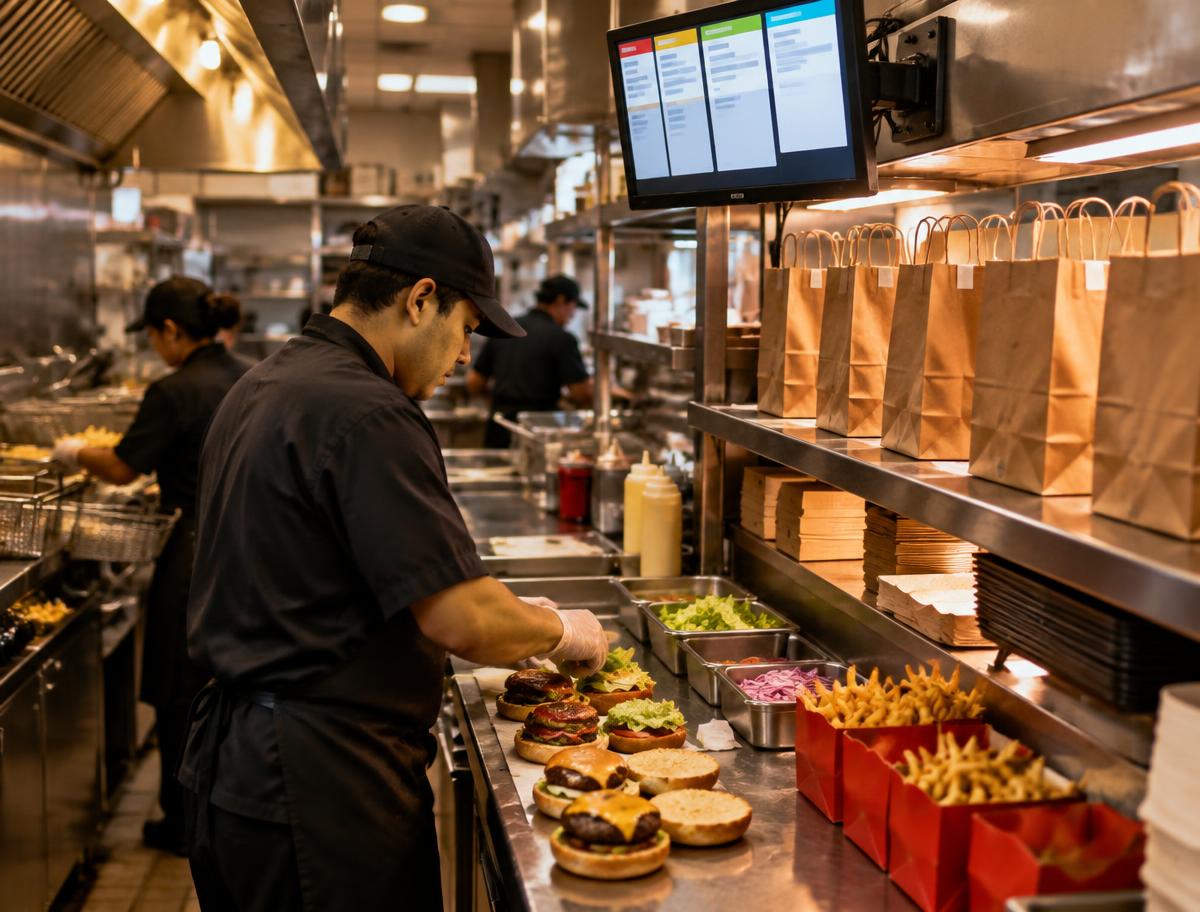
At lunchtime every minute counts. Orders come from many places, yet the kitchen works from one list and the counter keeps up.
Kiosk and app take part of the orders, leaving the counter more time to hand out.
The kitchen display shows orders from every channel in one place.
Inventory tracks consumption automatically, so nothing runs out unexpectedly.
Orders through your branded app and website carry no per-order marketplace commission. Service and payment costs apply separately.
Calculate with your numbersOne that handles counter service, kiosk, online and Wolt, Foodora orders in one place, sends them to a kitchen display and tracks stock. OneMin does this in one system.
Not mandatory, but most fast food venues use both: the kiosk shortens queues, the counter serves those who prefer ordering in person.
Yes. Wolt and Foodora orders arrive in the shared list and go to the kitchen display automatically.
Guests order and pay ahead, then pick up at the chosen time – no queue, and no marketplace commission for you.
Assign recipes to menu items and the system deducts ingredients from stock after every sale.
Tell us how guests order and how your kitchen works. We’ll show you where each OneMin service helps.
Show me for my restaurantIf there is one area of restaurant operations that everyone considered a "necessary evil", it is inventory management. Papers, spreadsheets, manual counting, disappearing stock, inaccurate inventory, stressful closings.Read more
In the digital world, good reviews are one of the strongest trust-building tools. Before a guest makes a reservation or places an order, they almost certainly check the venue's Google reviews.
Read more
A restaurant dispatcher has four main tasks. Let's see which ones AI can take over — and which ones it can't.
Read more
Let's look at the concrete numbers: 3-4 dispatchers' monthly salary is 1.5-2 million HUF — the AI system + 1 person can reduce this to a single person's cost level.
Read more